Till with card payments
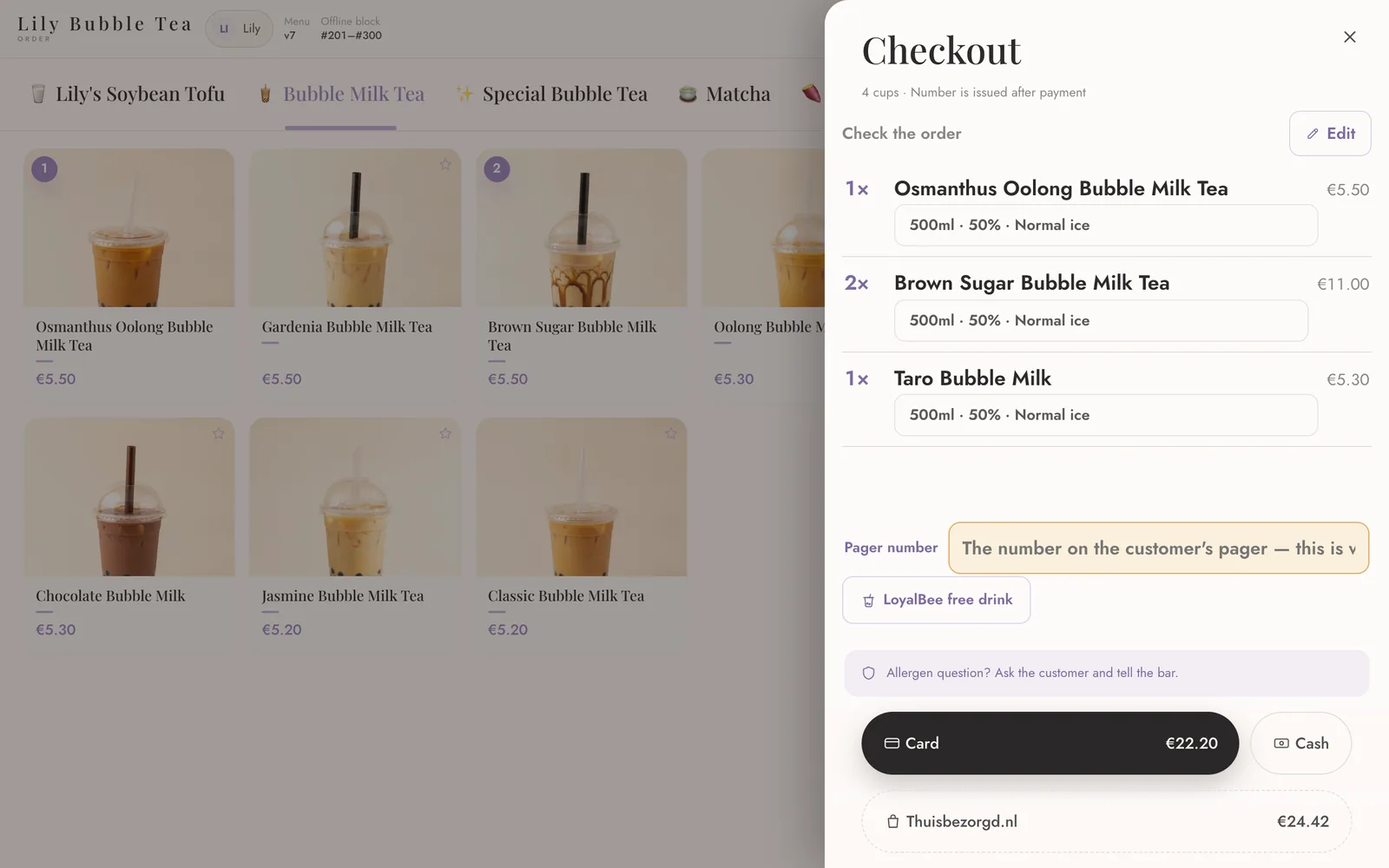
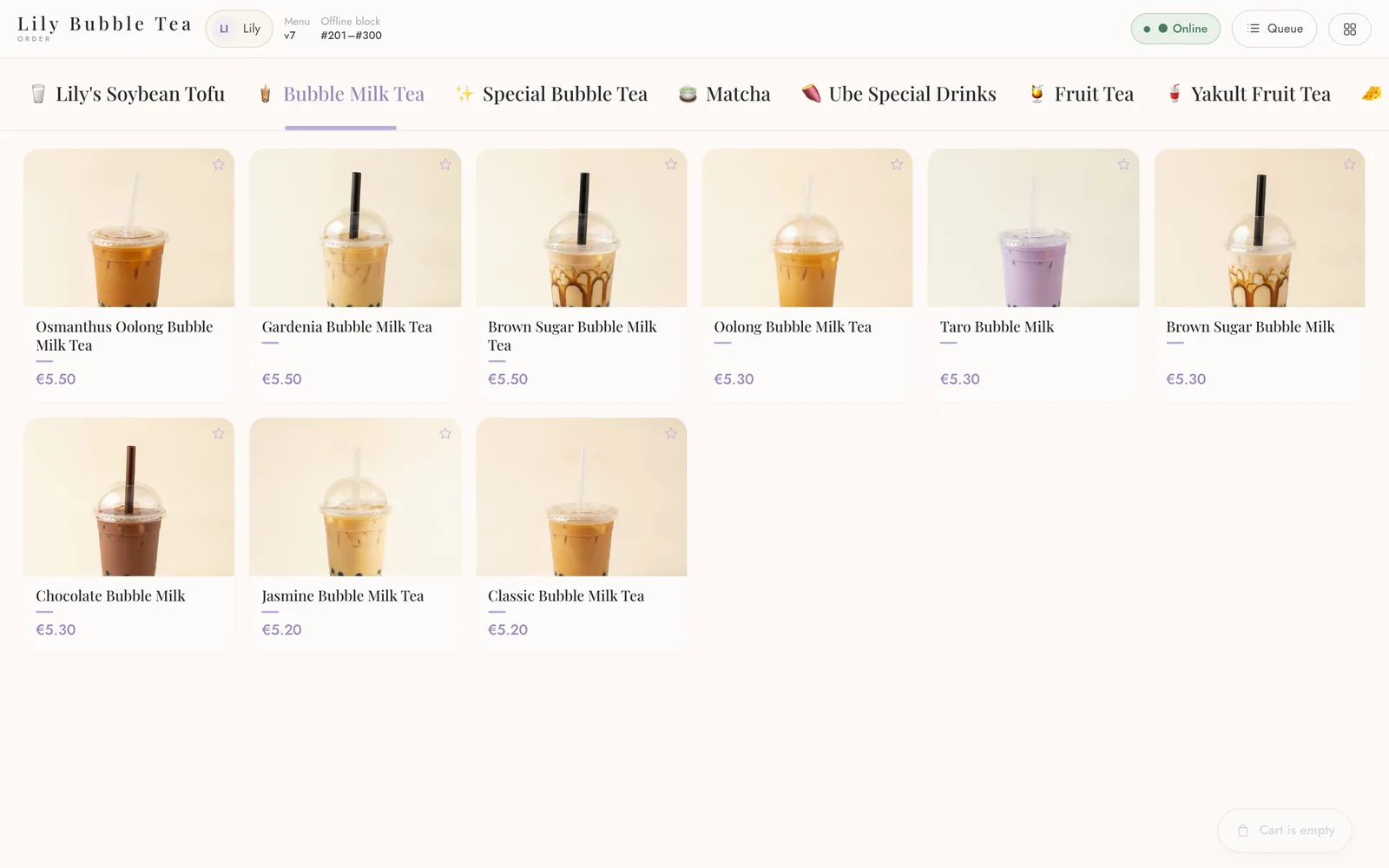
Ring up drinks with sizes, sugar, ice and toppings. Guests tap their card on the same tablet with PAY.POS — the money goes straight to your own account.
For bubble tea, coffee and dessert shops
Take orders at the till or the self-order kiosk, take card payments on the same tablet, print a label for every cup, and give guests a loyalty card in their phone — all from one back office.
No card needed for the trial. We check every sign-up personally.
Made with a real bubble tea shop, one rush hour at a time.
Ring up drinks with sizes, sugar, ice and toppings. Guests tap their card on the same tablet with PAY.POS — the money goes straight to your own account.
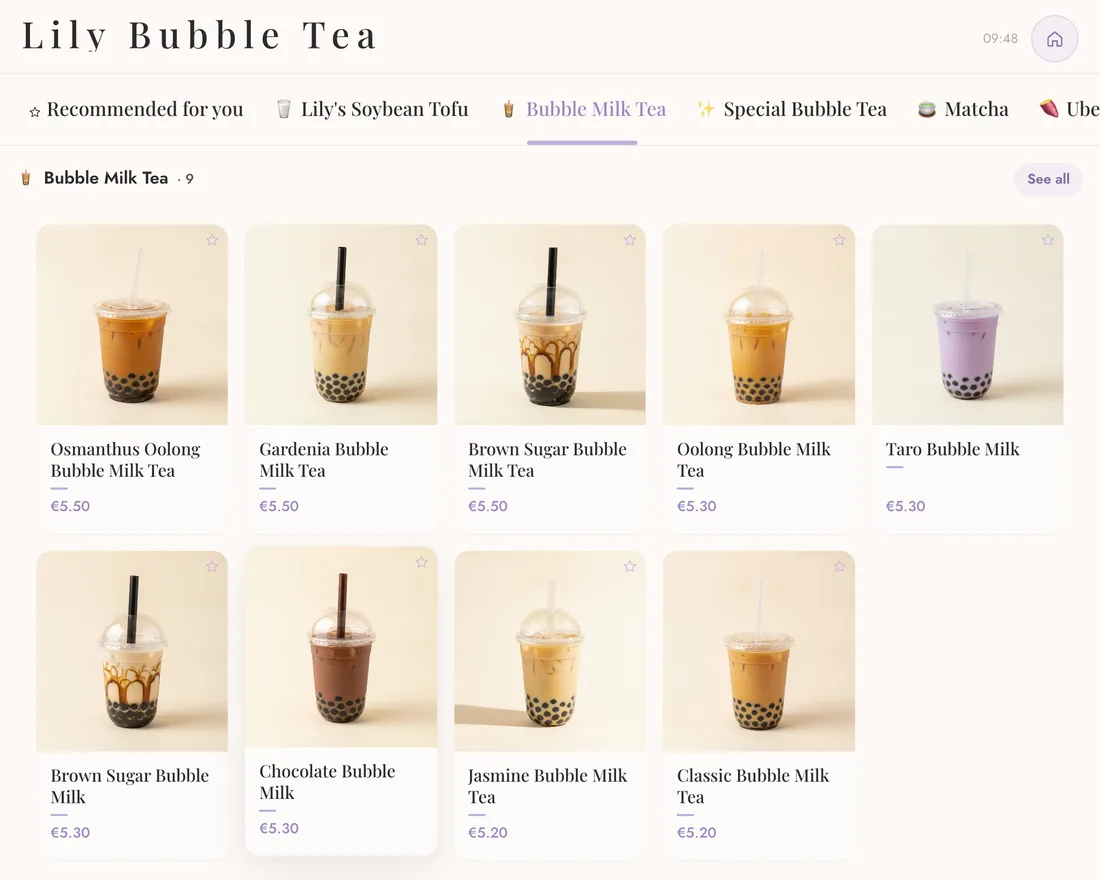
Guests order in English, Dutch or Chinese — by touch, or by talking to the AI assistant — and pay at the kiosk.
Every order lands on the kitchen screen; the pickup board calls the number when it is ready.
Receipts on the till printer and a cup label with the drink, its options and the order number.
Stamps per drink, rewards at the till, the card in the guest’s phone. Existing stamps can move over.
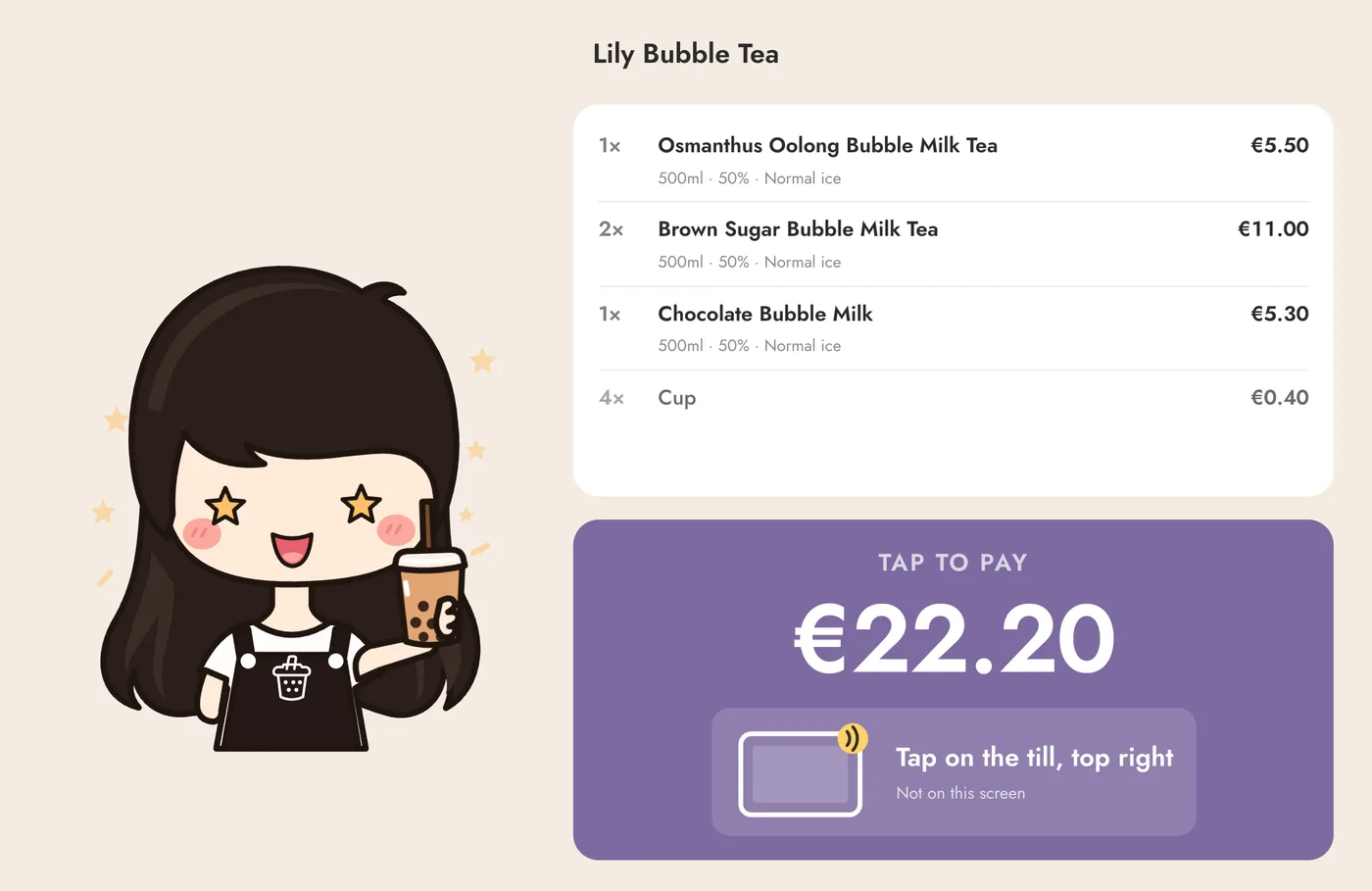
A screen facing the guest shows the order and the amount as you ring it up.
When the internet drops, the till keeps taking cash and sends everything once it is back.
Stock follows what you sell; supplier invoices are read for you and wait for one tap.
Plan shifts, staff clock in with their PIN, see who is late — and what the day took.
In use every day
Lily’s on the Prinsestraat runs on Hokimi POS since October 2026. The counter has a till that takes cards on the same tablet, a self-order kiosk, a customer display and a label printer for every cup; regulars carry their loyalty card in Google Wallet, with the stamps they had collected before.
Tell us about your shop. We check every sign-up and open your trial.
A guided set-up walks you through your menu (start from a bubble tea or coffee template), staff, receipts and card payments.
Open the Hokimi app on your tablet, enter the pairing code, and take your first order.
Android tablets such as the Sunmi CPad for the till and kiosk, any iPad or screen for the pickup board and customer display, receipt printers (built-in, network or USB) and label printers.
A monthly plan based on how many tills and kiosks you use, with the modules your shop needs. We go through it with you in the demo — and the first 30 days are free.
We show you the system on a till and a kiosk, with your kind of menu. Leave your details and we will get back to you.
Free for 30 days. We help you set it up.
Start free trial